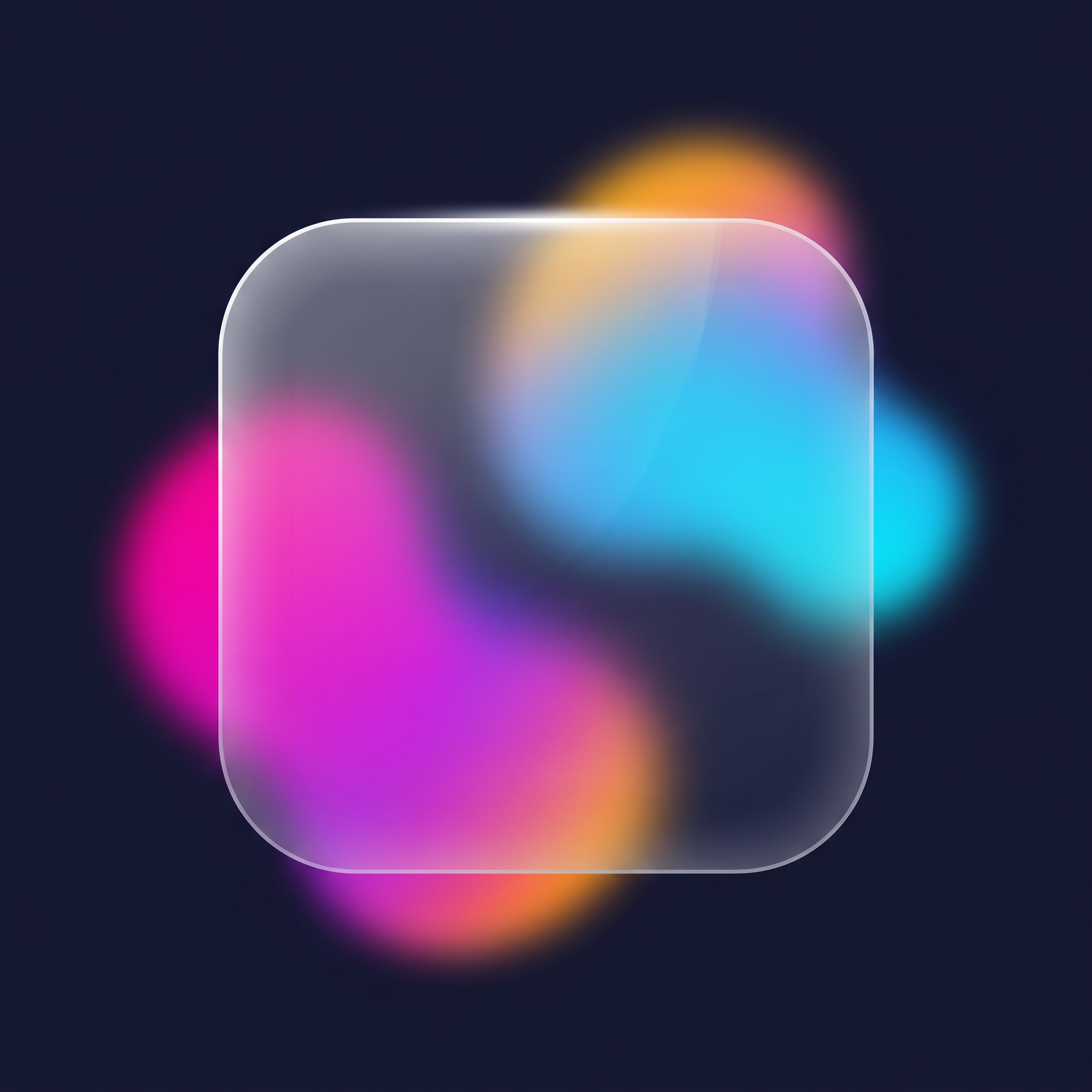
1. Frosting — backdrop-filter
The glass blurs and saturates whatever is behind it, not itself.
One line of CSS does the frosting: backdrop-filter: blur(16px) saturate(160%).
Without something colorful behind the panel the effect is invisible — that's why the
preview has moving blobs.
2. The glass body — translucent tint
A semi-transparent background color is the "material" of the glass.
iOS uses almost-white with ~10–25% alpha. More alpha = milkier glass.
3. Light edges — inset shadows
Thin inset white shadows on top and bottom fake the way a real glass edge
catches light. That 1-pixel highlight is what makes it feel "solid" instead of flat.
4. Refraction — SVG displacement (optional)
Real glass bends light at rounded edges. We approximate it with an SVG
feDisplacementMap filter referenced from backdrop-filter: url(#…).
It's the cherry on top — the effect looks great without it too.